Skip to content

AI-POWERED PHOTO CULLING & SELECTION

AI photo culling app for wedding & event photographers.

One tool. Entire workflow.
Invite onlyFull beta accessmacOS & Windows
RawPicker preview screen — compare and pick the best shot

Full RAW support for all major camera brands

Canon
NIKON
SONY
FUJIFILM
Leica
Panasonic
OLYMPUS
Canon
NIKON
SONY
FUJIFILM
Leica
Panasonic
OLYMPUS

THE CHALLENGE

After every shoot, the real work begins

Wedding photographers, event shooters, portrait artists — you all face the same challenge after a session.

5,000+ photos on the card

Client expecting a gallery this week

Hundreds of similar poses to compare

Culling that takes longer than the shoot itself

RawPicker takes the busywork off your plate — from import to client delivery — so you can focus on what you do best: creating images.

See how it works ↓

HOW IT WORKS

From card to client in 5 steps

1

Drop your RAW folder

Canon, Nikon, Sony, Fuji — drag a folder and start instantly. RAW previews load in seconds, no matter the size.
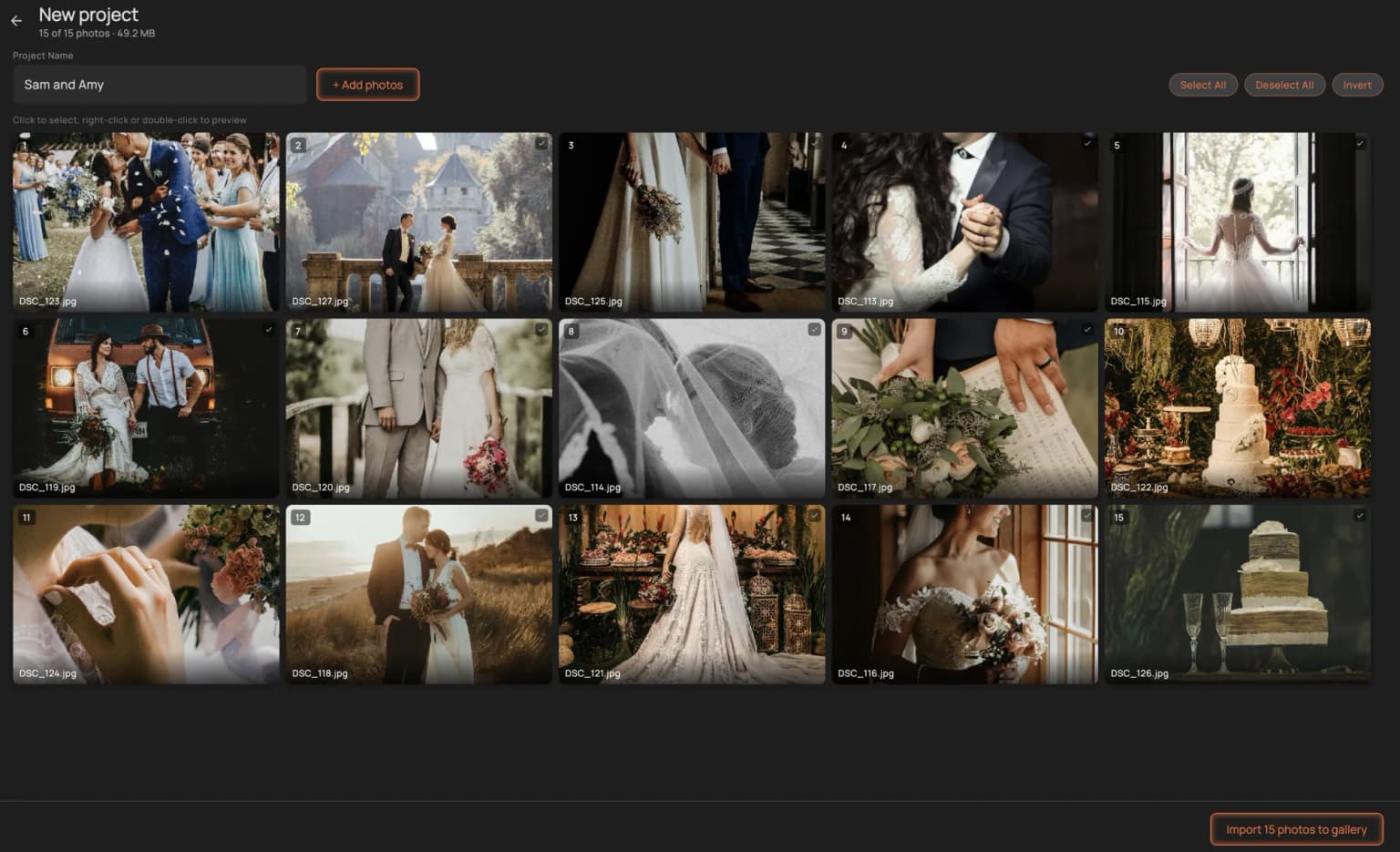
Drop your RAW folder
2

AI analyzes every shot

Sharpness, exposure, duplicates, face quality — AI scans your entire set and groups similar poses for easy comparison.
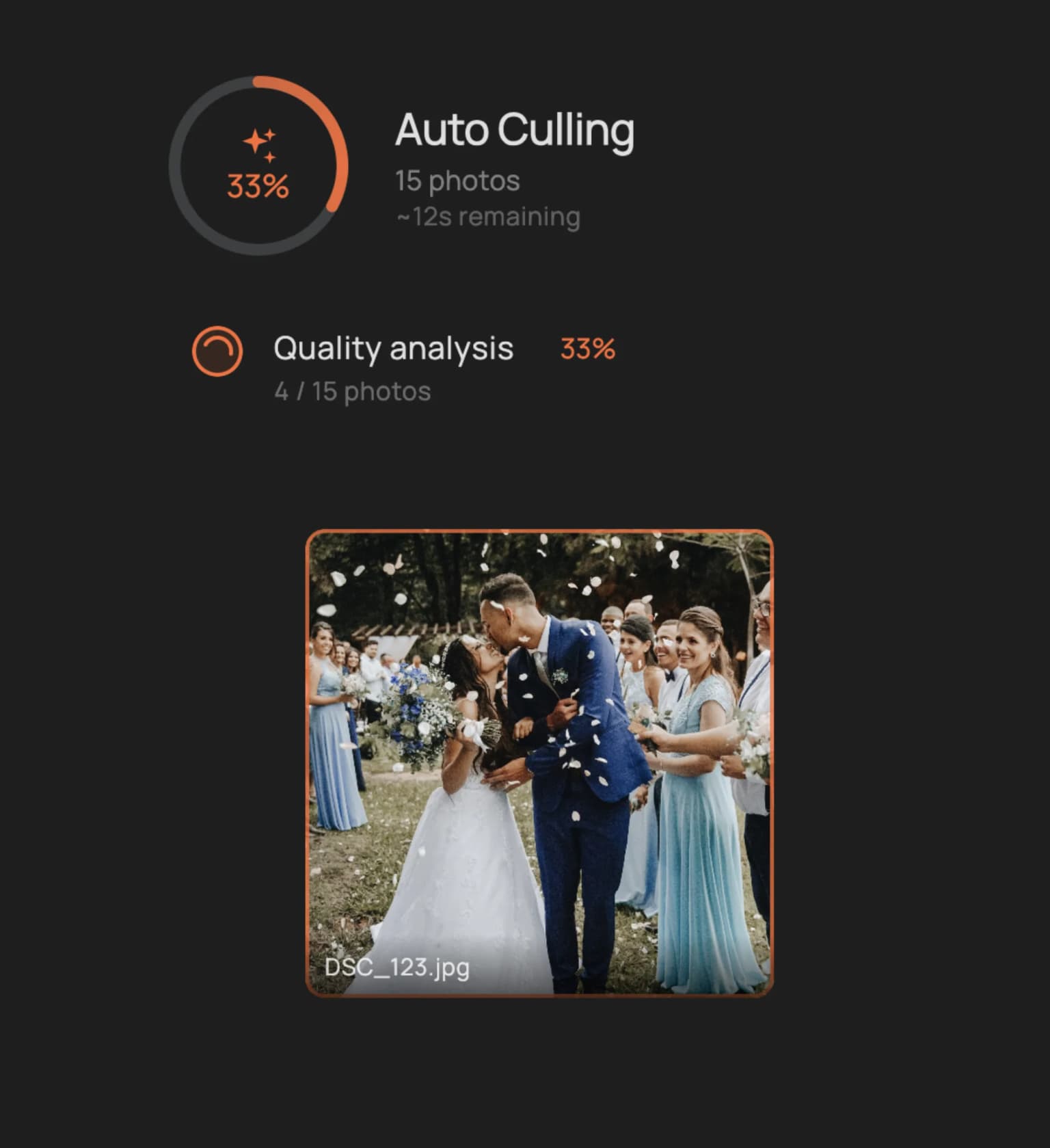
AI analyzes every shot
3

Rate, compare, pick

Stars, flags, colors — all on keyboard shortcuts. Navigate at full speed, compare side by side. AI suggests, you decide.
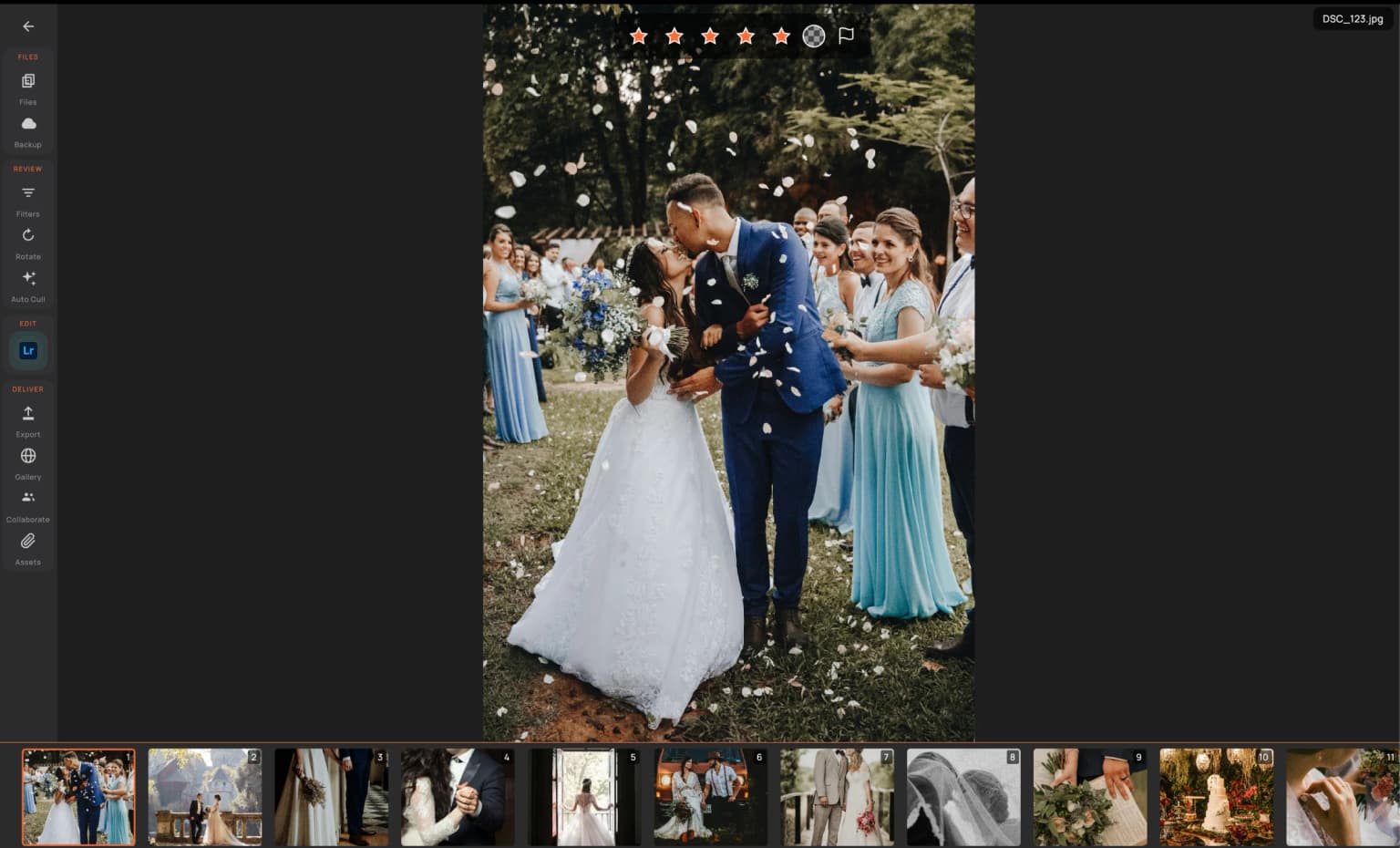
Rate, compare, pick
4

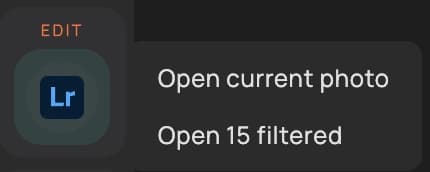
Export to your editor

Send your selections straight to Lightroom, Capture One or Photoshop with all ratings and metadata intact.
Export to your editor
5

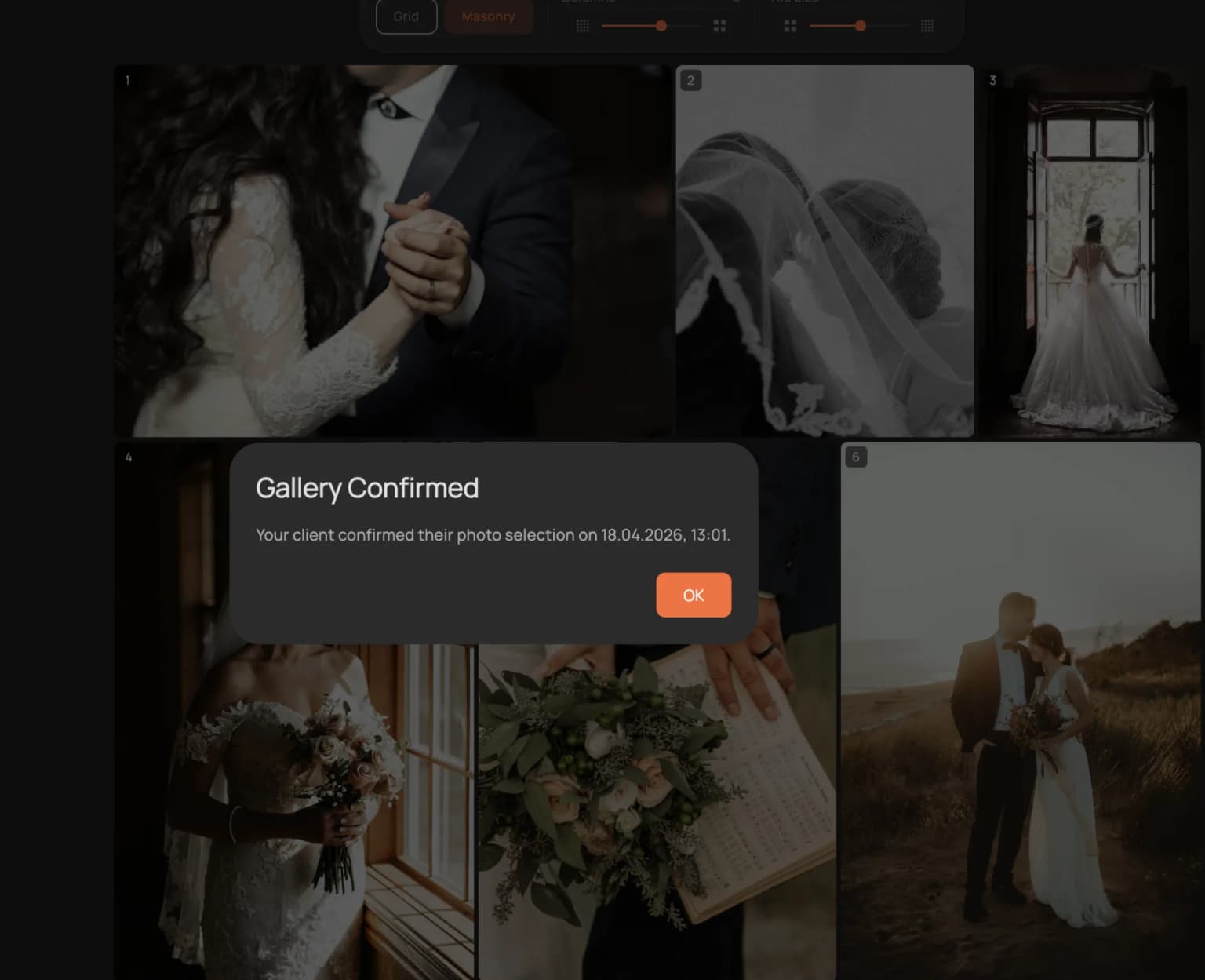
Deliver a branded gallery

One click creates a password-protected gallery with your logo. Clients heart their favorites — you see the picks instantly.

Deliver a branded gallery
SPEED

Instant previews.

Arrow through your entire wedding shoot without a single delay. RAW previews load as fast as you can navigate — smooth, responsive, no spinning wheels.

Finish your selection before the coffee gets cold.

Instant previews.
AI ASSISTANT

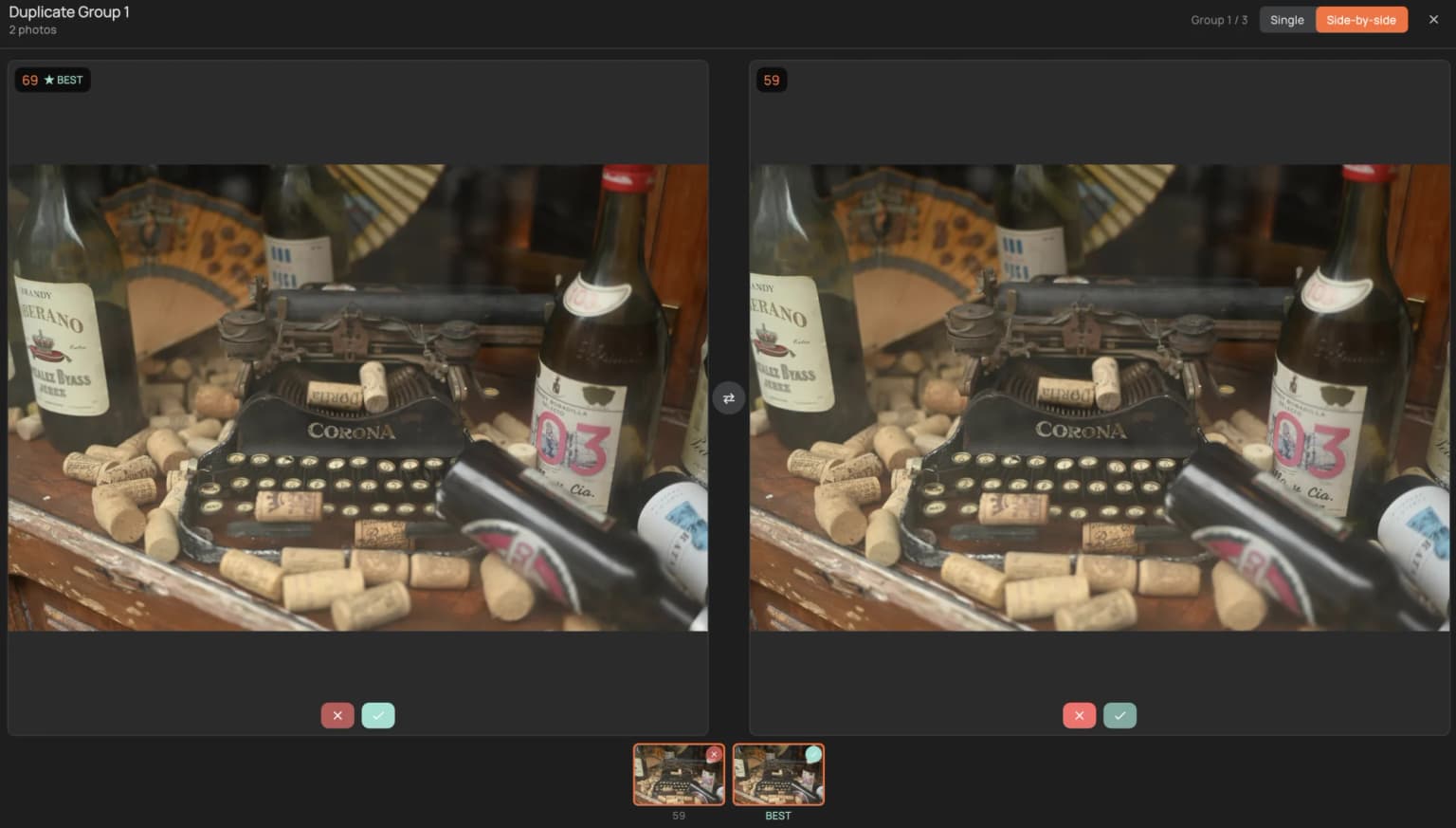
Find the sharpest shot in 2 seconds

AI places similar poses side by side and scores sharpness, exposure, noise and face quality. You make the final call — AI helps, you decide.

Never miss the best frame in a sea of similar shots.
Find the sharpest shot in 2 seconds
CLIENT DELIVERY

Your brand. Their favorites.

Send a password-protected gallery with your logo and colors. Clients heart their favorites — you see the picks instantly, ready to export.

Impress clients with a professional gallery — no extra tools needed.
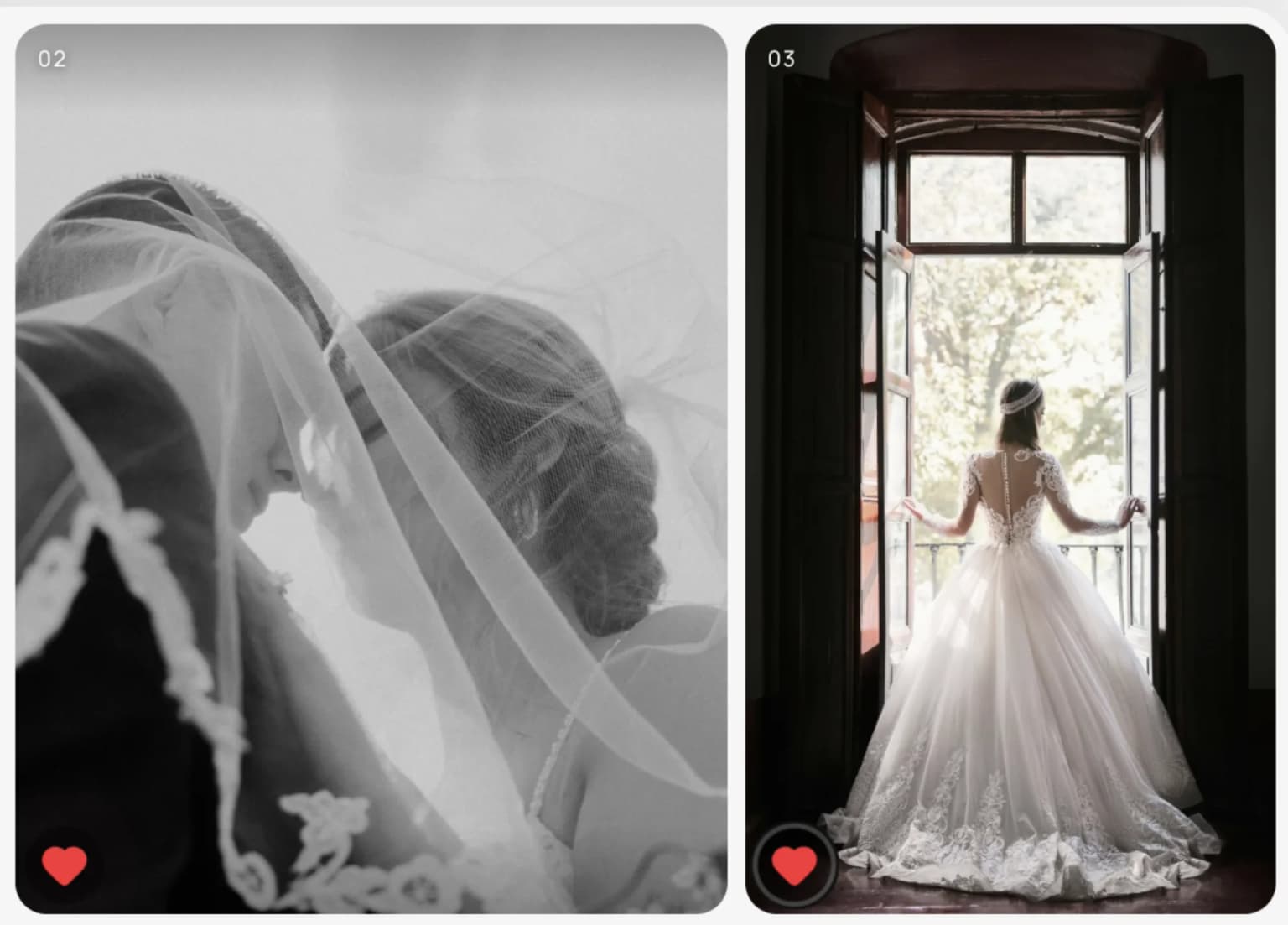
Your brand. Their favorites.
Your brand. Their favorites. — client favorites
WORK ANYWHERE

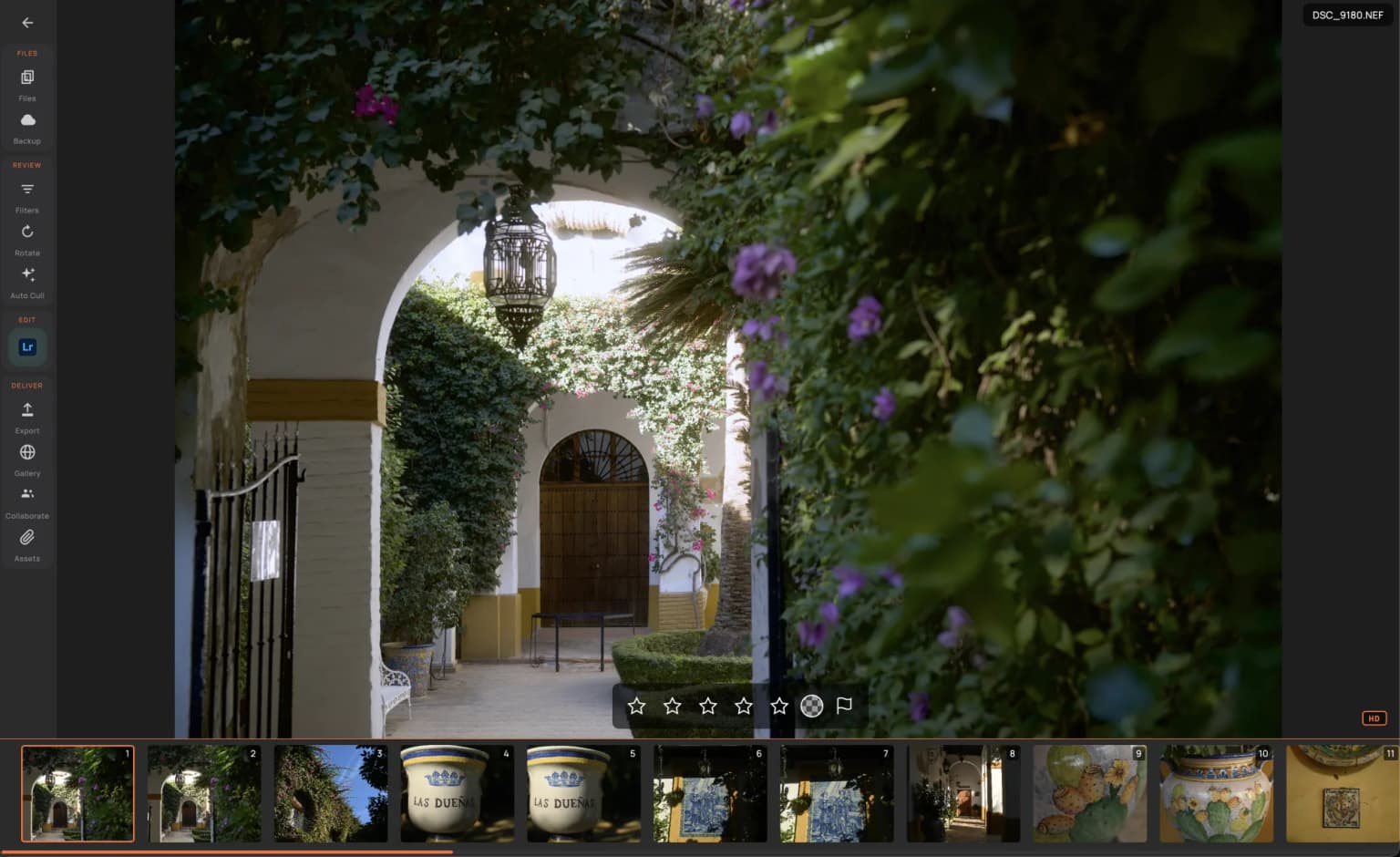
Offline. On the go. Always backed up.

Cull on your laptop without internet — on a train, at a cafe, wherever you are. Up to 72 hours of offline work, then everything syncs to encrypted cloud backup automatically.

Your studio travels with you — your photos stay safe.
Offline. On the go. Always backed up.
TEAMWORK

One project. Whole team.

Share a project with your second shooter or assistant. They upload photos, rate, add notes — you see everything in real time. Three permission levels keep you in control.

No more file juggling between apps and drives.

PERMISSION LEVELS

Owner

You

  • Upload & delete photos
  • Rate, flag, add notes
  • Share the project with others
  • Delete the whole project

Editor

Second shooter / assistant

  • Upload photos
  • Rate, flag, add notes
  • Export selections
  • Invite others
  • Delete project

Viewer

Client

  • Browse the gallery
  • Heart favorites
  • Edit photos
  • Upload photos
  • Export or download
PROJECT HUB

Everything in one place.

Notes, invoices, shot lists, attachments — keep all project files together. Track progress with workflow stages. No need for five different apps to manage one shoot.

One app for photos, files, and project management.
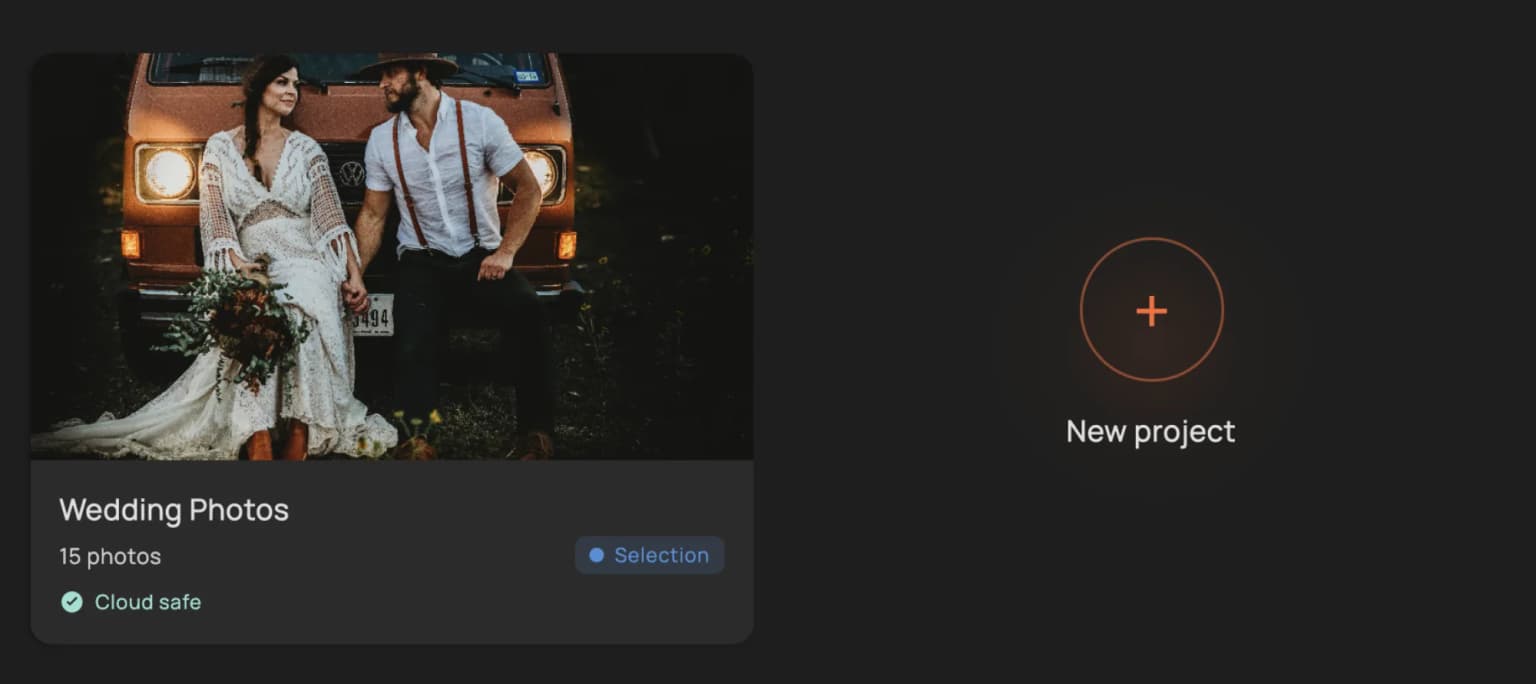
Everything in one place.

Questions? Answers.

What RAW formats does RawPicker support?

Every major format: CR2 / CR3 (Canon), NEF (Nikon), ARW (Sony), RAF (Fuji), ORF (Olympus), RW2 (Panasonic), DNG, plus JPEG / PNG / TIFF. If your camera shoots it, we read it.

How exactly does the AI cull my photos?

Every frame gets a score from five independent analyzers — sharpness (30%), exposure (22%), duplicate detection (20%), noise (15%) and face quality (13%). Face detection runs locally through an ONNX model with five-point facial landmarks, so even half-blinked or slightly out-of-focus portraits get flagged. The score is a suggestion — you stay in charge.

How does duplicate and burst detection work?

RawPicker uses perceptual hashing (pHash) combined with Hamming distance clustering to spot near-identical frames — burst shots, slight reframes, duplicates. It also smart-groups by capture time, GPS, camera body, ISO and white balance, so similar shots land next to each other for side-by-side comparison.

Can I cull without an internet connection?

Yes. RAW browsing, AI culling, rating, flagging, comparing and exporting all run locally on your machine. You can work offline for up to 72 hours and everything syncs to the encrypted cloud backup the moment you're back online.

Can I open photos directly in Lightroom, Capture One, or Photoshop?

Yes. One click launches your selection in Adobe Lightroom, Capture One, or Photoshop with ratings, flags and color labels preserved. Supported on both macOS and Windows.

Do my clients need an account to view a gallery?

No accounts, no apps. You send a link and a password — they heart their favorites in the browser and you see the picks the moment they make them.

Are my photos backed up in the cloud?

Invited beta testers can sync projects to encrypted cloud backup. You can pause or resume sync at any time — local files are never deleted when you remove them from the cloud.

How does team sharing work?

Share a project with a second shooter, assistant, or client over email. Three permission levels: Owner (full control), Editor (upload, rate, add notes), Viewer (browse, mark favorites). Everything syncs in real time.

How can I get access?

RawPicker is currently in closed beta. Join the waitlist and we will invite more photographers in stages as capacity opens.

What platforms does RawPicker run on?

macOS (Apple Silicon and Intel) and Windows 10/11. Installer is around 500 MB on Apple Silicon, a bit smaller on Intel and Windows. Linux is in the works.

Is pricing available yet?

Not publicly. Closed beta access is currently invite-only. We will publish pricing before paid subscriptions become available.

Ready to get your evenings back?

RawPicker is in closed beta. Join the waitlist for an invitation to test the full workflow.